Direct answer
ClipShip turns completed Twitch videos into short-form clips.
Paste a Twitch VOD or clip link into ClipShip. The app downloads the source, transcribes it, suggests standalone moments, reframes the speaker, adds captions, and exports vertical videos on your Windows PC.
It works best for streams with clear speech: debates, interviews, commentary, podcasts, tutorials, reactions, and creator conversations. It is not an automatic gameplay montage detector.
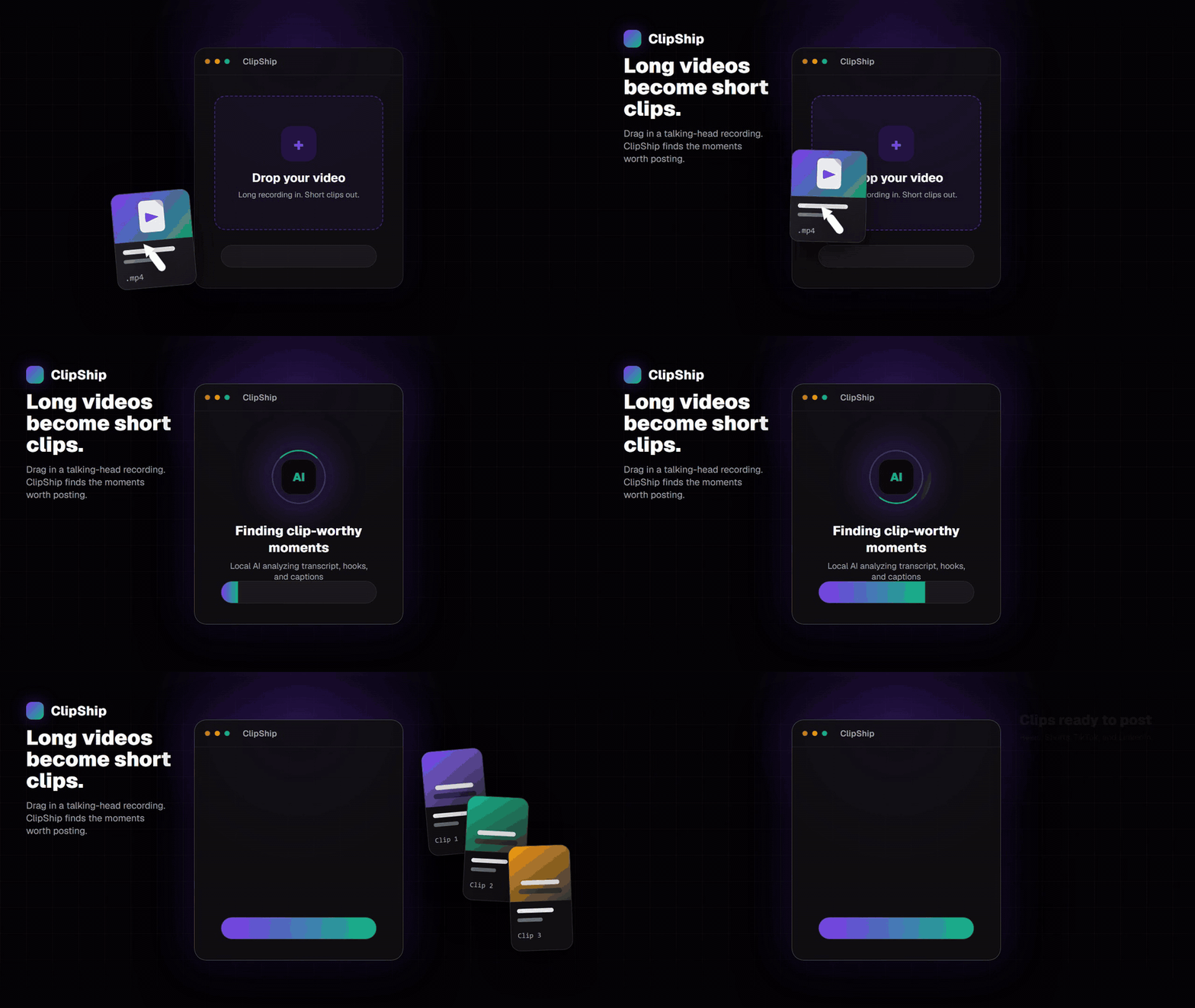
How to turn a Twitch VOD into Shorts
- Copy the completed Twitch VOD or clip link. Live streams are not supported while they are still running.
- Paste the link into ClipShip. The importer verifies that it is a supported Twitch video page.
- Choose how many candidate clips you want. A longer debate or interview can produce a wider shortlist.
- Let ClipShip analyze the spoken content. Transcription and clip selection run in the desktop workflow.
- Review the suggestions. Trim clips, correct caption text, and edit the AI-generated headline.
- Export vertical videos. Save captioned 9:16 clips for Shorts, Reels, TikTok, or other platforms.
What Twitch content works best?
| Good fit | Why | Example output |
|---|---|---|
| Debates and interviews | Arguments and answers can stand alone. | A 45-second opinion or rebuttal. |
| Commentary streams | The value is carried by speech. | A clear take with its own setup and payoff. |
| Tutorials and coaching | Individual lessons become useful short clips. | One practical tip or explanation. |
| Podcasts on Twitch | Guest stories and answers create natural moments. | A concise story or insight. |
What ClipShip does not support
ClipShip does not import active live streams, channel pages, or unrelated websites. It also does not look for visual gameplay highlights such as kills, goals, or speedrun splits. Its clip finder is built around spoken ideas and conversations.
Supported video links
- YouTube videos and Shorts
- Twitch VODs and Twitch clips
- Kick clips
Kick VOD import is currently unavailable because the source metadata required by the downloader is not reliable. ClipShip rejects unsupported links before processing instead of accepting an unknown website and failing later.
Does Twitch footage stay local?
Fetching a Twitch link requires internet. Once the source file has been imported, ClipShip performs the transcription, clip selection, vertical reframing, captions, headline rendering, and export on your PC. ClipShip does not upload your imported source video to its own processing server.
Related ClipShip guides
Keep exploring the local clip workflow
How ClipShip works
A visual guide to importing, clip selection, headlines, spoken openings, post captions, review, and export.
ClipShip for macOS
Download the public Apple Silicon build and review its requirements, local AI architecture, installation, and privacy boundary.
Best local OpusClip alternatives in 2026
A source-checked comparison of five desktop AI clipping tools by platform, privacy boundary, pricing, and workflow.
No-upload OpusClip alternative
The main comparison page for creators who want OpusClip-style clipping without uploading private footage.
Local AI video clipper for Windows
A focused explanation of ClipShip's local Windows workflow and when local AI clipping is the right fit.
OpusClip alternative with a free no-watermark trial
An honest breakdown of ClipShip's 7-day Pro trial, forever-free tier, watermark, and export limits.
Podcast to Shorts AI for Windows
A practical workflow for turning long podcasts, interviews, and webinars into vertical clips with local AI.
YouTube to Shorts clip maker
A practical page for turning YouTube and talking-head videos into vertical clips.
Affordable OpusClip alternative for beginners
A pricing-focused guide to ClipShip's free tier, $5 founding plan, and $99 lifetime option.
ClipShip vs OpusClip
The full side-by-side comparison between ClipShip and the best-known cloud clip generator.
FAQ
Can I paste any Twitch URL?
No. Use a direct completed VOD or clip URL. Live, profile, category, and channel pages are rejected.
Can ClipShip find more than a few clips from a long stream?
Yes. You can raise the target clip count before analysis when a long debate, podcast, or interview has many usable moments.
Can I change the clip headline?
Yes. ClipShip generates editable headlines, and you can apply a consistent headline style across the exported batch.