Direct answer
ClipShip is the local, no-upload version of the OpusClip workflow.
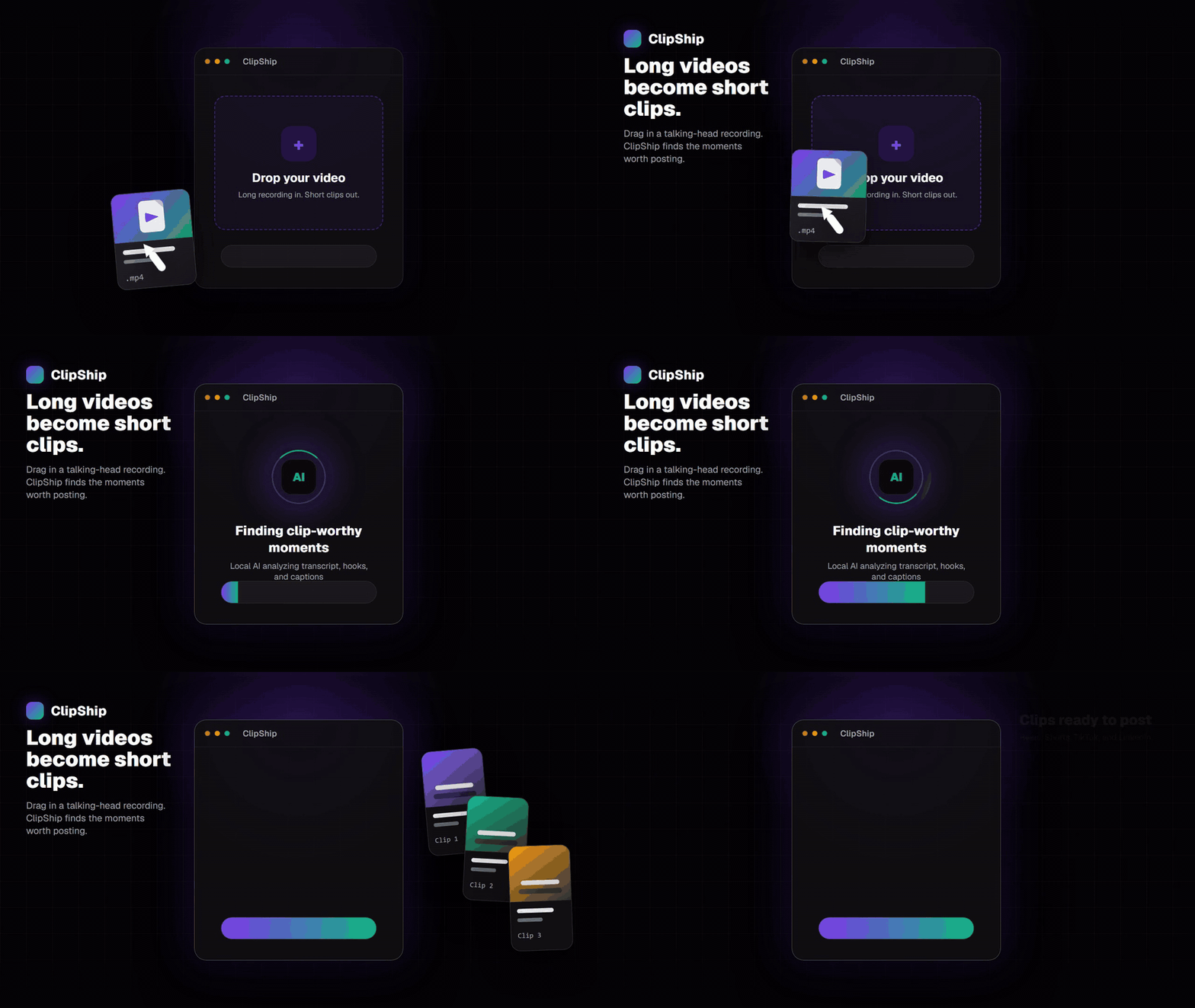
ClipShip finds short-form moments from long talking-head recordings, reframes them as vertical clips, adds captions, and exports them from a Windows desktop app. For local video files, the source footage stays on your PC instead of being uploaded to a cloud editor.
The tradeoff is simple: OpusClip is more mature for cloud dashboards and scheduling. ClipShip is better if privacy, no upload queues, no monthly credits, and a monthly-or-lifetime choice matter more.
ClipShip vs OpusClip for private footage
Many AI clipping tools start with the same step: upload the whole recording. That is fine for public videos, but it is harder to justify for coaching sessions, client calls, internal webinars, paid course lessons, or any video that was not meant to leave your machine.
| Question | ClipShip | OpusClip |
|---|---|---|
| Where does clip processing happen? | On your Windows PC or Apple Silicon Mac for local files. | On OpusClip's cloud servers after upload. |
| Do source videos upload? | No upload for local files. | Upload required. |
| Does it find clips with AI? | Yes, for talking-head and spoken content. | Yes, for uploaded videos. |
| Does it export vertical clips? | Yes, with face tracking and captions. | Yes, with polished cloud presets. |
| How is it priced? | Free tier, $5/month founding Pro, or $99 founder lifetime Pro for the first 100 lifetime customers, then $149. | Subscription and credit based. |
| Are clips limited by monthly credits? | No monthly clip credits for local processing. | Cloud plans commonly meter usage by credits, minutes, or plan limits. |
| Best reason to choose it | Privacy, local control, no upload queue, no usage credits. | Cloud convenience, mature UI, built-in scheduling. |
What stays local in ClipShip?
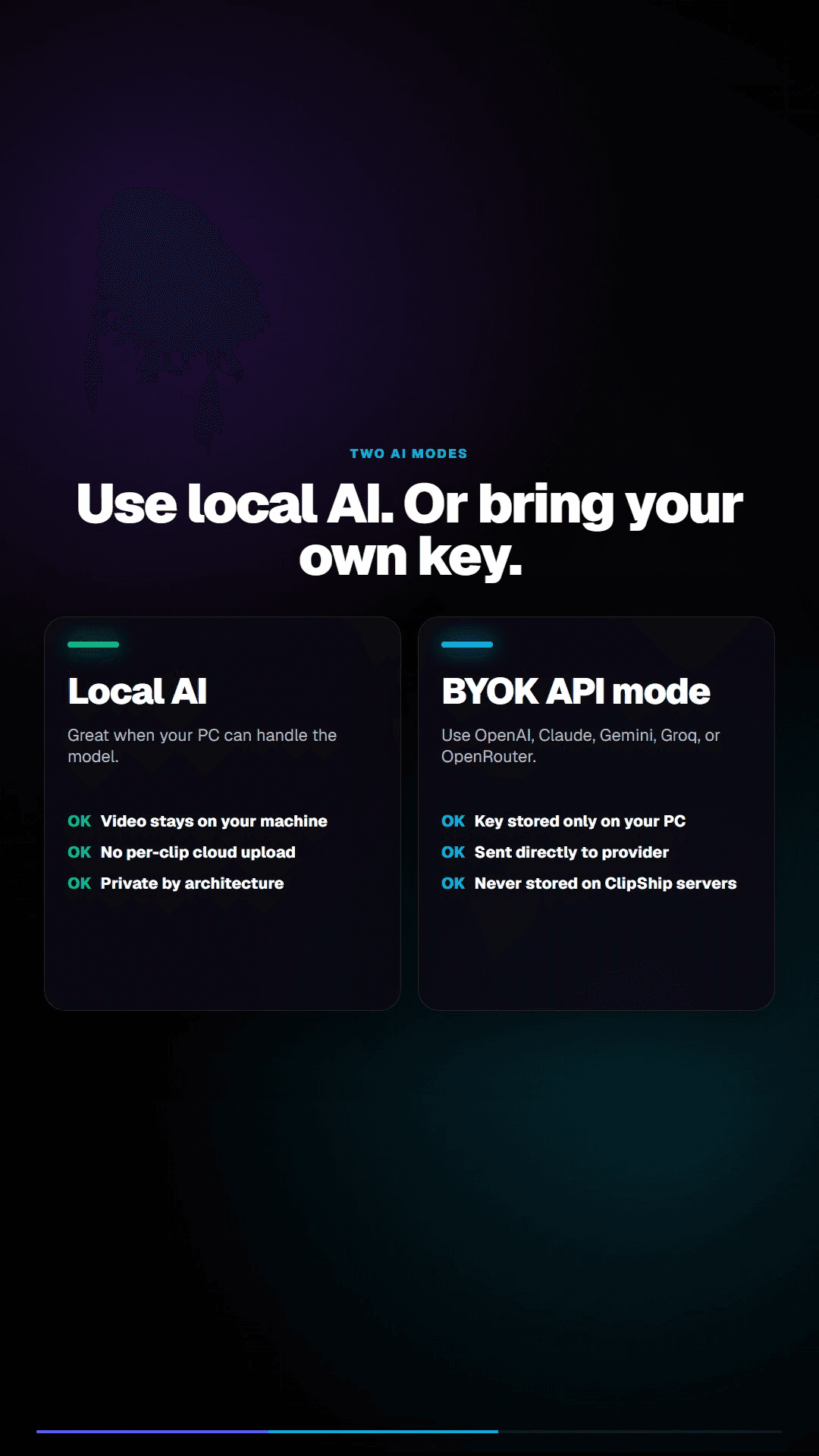
For local files, the working video stays on your machine. In Local AI mode, ClipShip creates the transcript, finds candidate clips, builds captions, tracks faces, and renders finished clips locally. In optional API mode, only transcript text is sent directly to the provider you select; the source video remains local.
| Part of the workflow | Local in ClipShip? | Notes |
|---|---|---|
| Source video file | Yes | Local files do not need to be uploaded to generate clips. |
| Transcript and clip selection | Local AI mode | Optional API mode sends transcript text directly to the selected provider. |
| Captions and export rendering | Yes | Finished clips are saved to your disk. |
| Sign-in, license checks, setup downloads | No | These still need internet. They are separate from uploading source footage. |
| Supported video-link import | Partial | YouTube videos and Shorts, Twitch VODs and clips, and Kick clips require internet to fetch. The imported file can then be processed in the app. |
Who should choose ClipShip?
- You make talking-head videos, podcasts, webinars, lessons, coaching clips, or solo commentary.
- You want OpusClip-style clip generation without uploading private source footage.
- You dislike usage credits and want the option to buy Pro once instead of subscribing.
- You are on Windows and are comfortable installing a desktop app.
Who should still choose OpusClip?
Choose OpusClip if you want everything in the browser, you mainly clip public YouTube videos, you need a mature social scheduling workflow, or your computer is too weak for local video processing. ClipShip is not trying to beat OpusClip on cloud polish. It is trying to solve the private, local, no-usage-credit version of the same job.
Pricing difference
ClipShip has a free tier, a $5 monthly founding plan for the first 50 paid subscribers, and a $99 founder lifetime Pro license for the first 100 lifetime customers before it becomes $149. Pro removes the watermark, enables 1080p exports, and unlocks custom saved caption styles.
That pricing model is the reason ClipShip is most interesting for creators who process many videos. Cloud tools can be more convenient, but subscriptions and credits become expensive when clipping is part of your weekly workflow.
No upload queues, no credit anxiety
Upload queues are not only a speed problem. They also make every private recording feel like a decision: should this client interview, course lesson, coaching call, or internal webinar be sent to a cloud tool just to find short clips?
ClipShip avoids that tradeoff for local files. The AI work runs on your Windows PC or Apple Silicon Mac, so Pro users are not counting clip credits or source-video minutes every time they want to process another recording.
Related ClipShip guides
Keep exploring the local clip workflow
How ClipShip works
A visual guide to importing, clip selection, headlines, spoken openings, post captions, review, and export.
ClipShip for macOS
Download the public Apple Silicon build and review its requirements, local AI architecture, installation, and privacy boundary.
Best local OpusClip alternatives in 2026
A source-checked comparison of five desktop AI clipping tools by platform, privacy boundary, pricing, and workflow.
Local AI video clipper for Windows
A focused explanation of ClipShip's local Windows workflow and when local AI clipping is the right fit.
OpusClip alternative with a free no-watermark trial
An honest breakdown of ClipShip's 7-day Pro trial, forever-free tier, watermark, and export limits.
Podcast to Shorts AI for Windows
A practical workflow for turning long podcasts, interviews, and webinars into vertical clips with local AI.
YouTube to Shorts clip maker
A practical page for turning YouTube and talking-head videos into vertical clips.
Twitch VOD to Shorts clip maker
Import a Twitch VOD or clip, find spoken highlights locally, and export vertical clips on Windows.
Affordable OpusClip alternative for beginners
A pricing-focused guide to ClipShip's free tier, $5 founding plan, and $99 lifetime option.
ClipShip vs OpusClip
The full side-by-side comparison between ClipShip and the best-known cloud clip generator.
FAQ
Is ClipShip cheaper than OpusClip?
ClipShip has a free tier, a $5 monthly founding plan for the first 50 paid subscribers, and a $99 founder lifetime Pro license for the first 100 lifetime customers before it becomes $149. If you need the tool for more than a few months, the one-time option can become cheaper.
Does ClipShip work with YouTube links?
Yes. ClipShip supports local video import plus YouTube videos and Shorts, Twitch VODs and clips, and Kick clips. Link import needs internet, while local files can be processed without uploading the source footage to ClipShip's servers.
Is ClipShip a full video editor?
No. ClipShip is a video repurposing tool. It is built to find, format, caption, and export short clips from spoken long-form recordings. It is not a replacement for Premiere Pro, DaVinci Resolve, or CapCut.
Does ClipShip use monthly credits?
No. ClipShip Pro does not meter local clipping with monthly credits. The free tier has export limitations, and Pro unlocks watermark-free 1080p exports and saved custom caption styles.