Direct answer
ClipShip turns long videos into vertical Shorts with AI.
Paste a YouTube link or import a local video, let ClipShip find candidate moments, review the clips, and export vertical videos with captions for YouTube Shorts, Instagram Reels, TikTok, and LinkedIn.
It works best when the original video is spoken content: podcasts, interviews, course lessons, webinars, coaching videos, educational videos, or solo commentary.
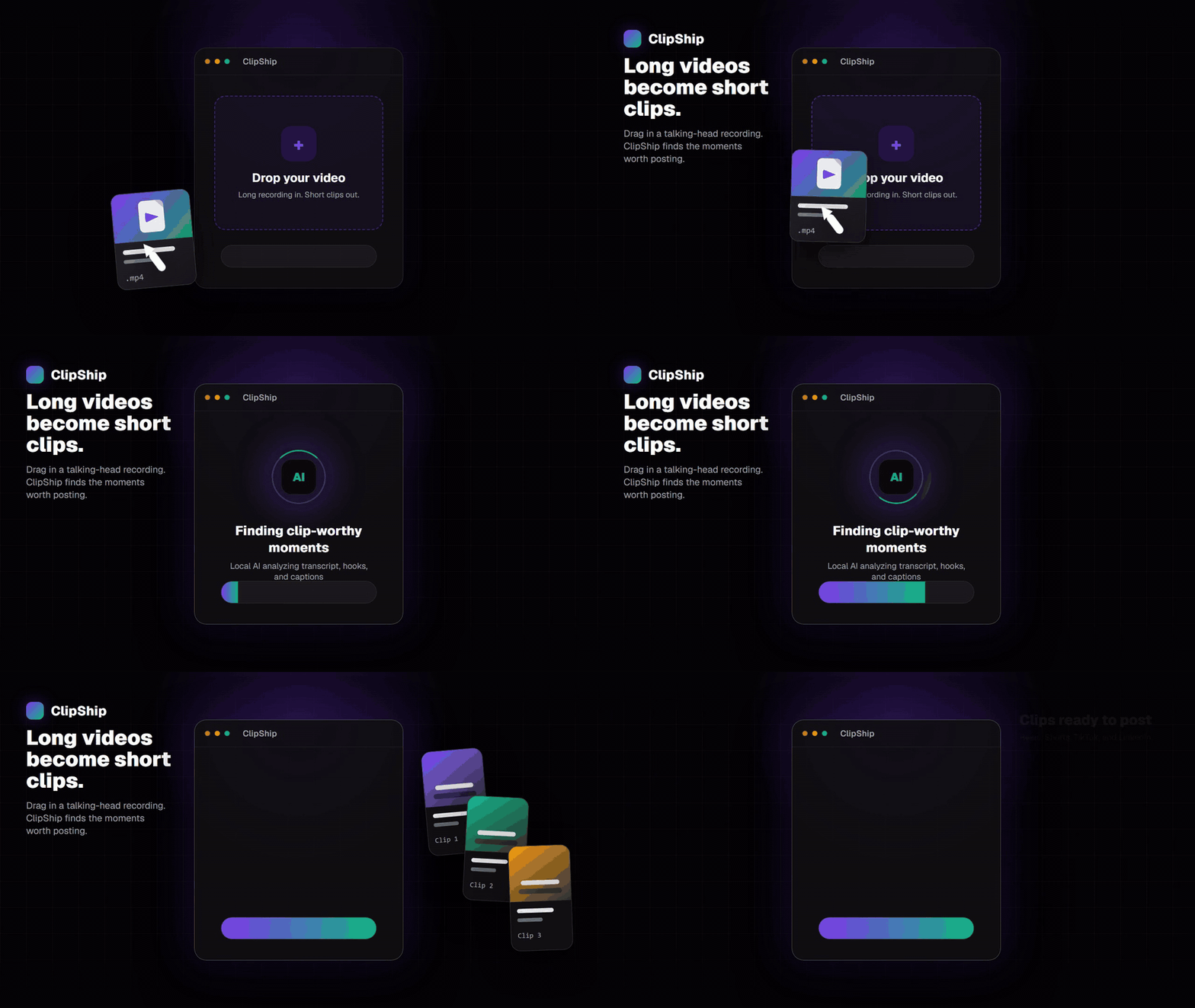
How to turn a long video into Shorts with AI
- Paste the YouTube link or import the file. ClipShip starts from the full recording.
- Transcribe the recording. The app creates a timed transcript for clip selection and captions.
- Find short-form moments. AI looks for complete points, hooks, stories, opinions, and useful segments.
- Review and trim. Keep the clips that work on their own and adjust the cut if needed.
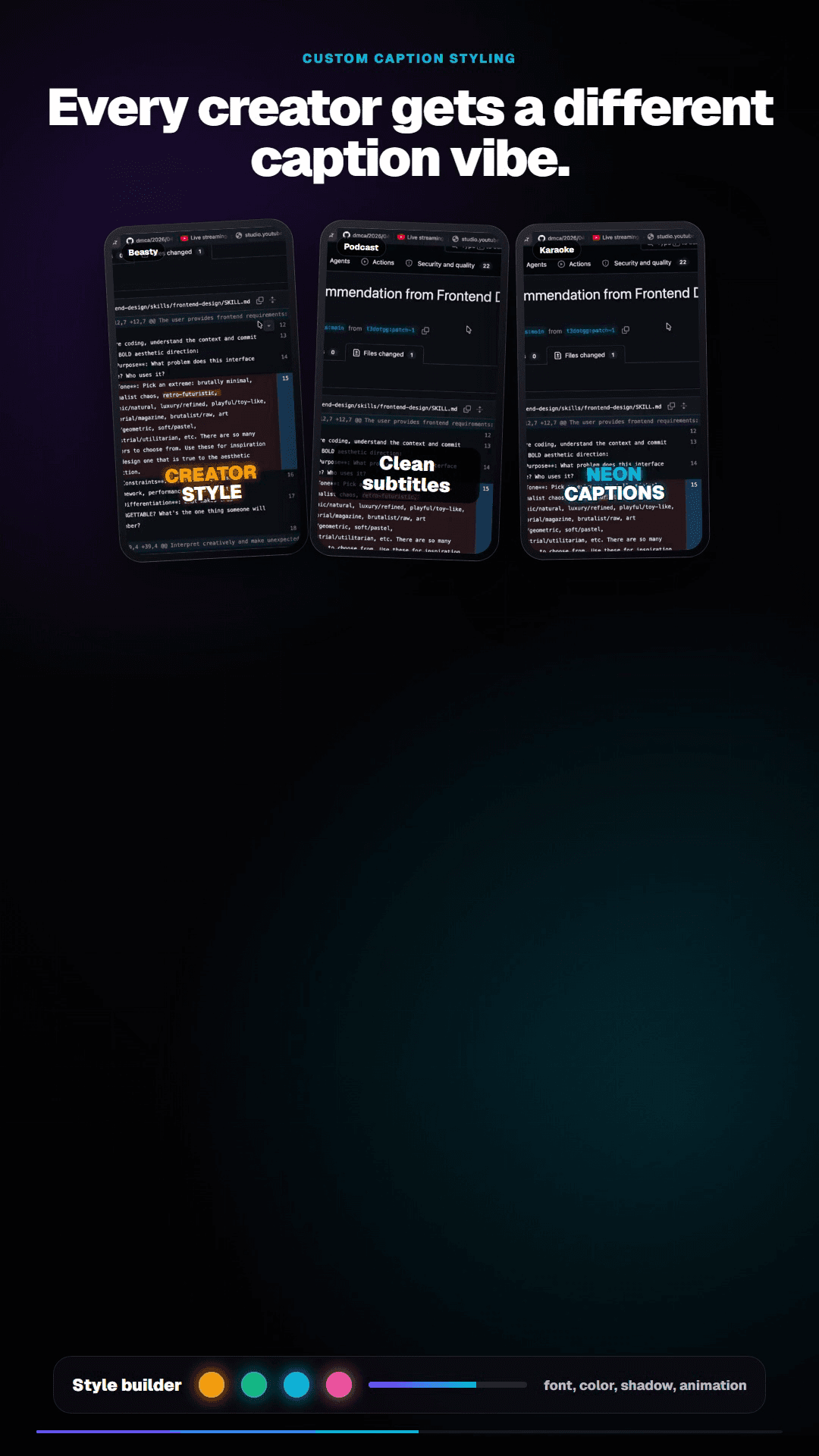
- Style captions. Pick or customize caption styles before export.
- Export vertical clips. Save 9:16 clips for Shorts, Reels, TikTok, or LinkedIn.
Long video to Shorts AI works best when the video is spoken
ClipShip is strongest when the source video has clear speech: a podcast answer, a teaching section, a coaching explanation, a webinar example, or a solo commentary segment. The AI can use the transcript to find complete ideas instead of only looking for random visual cuts.
This is different from text-to-video generators. ClipShip does not invent a new AI video from a prompt. It finds short-form moments inside footage you already recorded.
What kinds of YouTube videos work best?
ClipShip is designed for talking-head and conversation-based content. The AI has clearer signals when the video contains spoken points, lessons, stories, opinions, advice, or arguments that can stand alone as a short clip.
| Good fit | Why it works | Example clip angle |
|---|---|---|
| Podcasts | Questions, stories, and guest answers often work as standalone clips. | A strong opinion or practical advice from one answer. |
| Course lessons | Individual tips and teaching moments can become educational Shorts. | A 45-second explanation of one concept. |
| Coaching videos | Advice, objections, and problem-solving moments can be repurposed. | A client problem and the direct answer. |
| Webinars | Examples, frameworks, and answer sections can become short clips. | A short framework from the middle of the webinar. |
| Solo commentary | Opinions and concise explanations can work well on short-form platforms. | A clear take that does not need the full original video. |
Why use AI instead of clipping manually?
Manual clipping works, but it does not scale well. You have to watch the whole video, write down timestamps, cut each section, crop it vertically, add captions, and export everything one by one. AI clip extraction compresses that workflow by finding candidate moments first.
ClipShip is not for every video type
ClipShip is not built for cinematic vlogs, dance videos, music videos, gaming montages, or footage where the value is mostly visual action. Those need a creative editor. ClipShip is for spoken content where the value is in what the person says.
Local files vs YouTube links
Local file processing is the no-upload workflow. YouTube link import naturally needs internet because the app has to fetch the source video first. After import, ClipShip gives you the same review, caption, and export workflow inside the desktop app.
Related ClipShip guides
Keep exploring the local clip workflow
How ClipShip works
A visual guide to importing, clip selection, headlines, spoken openings, post captions, review, and export.
ClipShip for macOS
Download the public Apple Silicon build and review its requirements, local AI architecture, installation, and privacy boundary.
Best local OpusClip alternatives in 2026
A source-checked comparison of five desktop AI clipping tools by platform, privacy boundary, pricing, and workflow.
No-upload OpusClip alternative
The main comparison page for creators who want OpusClip-style clipping without uploading private footage.
Local AI video clipper for Windows
A focused explanation of ClipShip's local Windows workflow and when local AI clipping is the right fit.
OpusClip alternative with a free no-watermark trial
An honest breakdown of ClipShip's 7-day Pro trial, forever-free tier, watermark, and export limits.
Podcast to Shorts AI for Windows
A practical workflow for turning long podcasts, interviews, and webinars into vertical clips with local AI.
Twitch VOD to Shorts clip maker
Import a Twitch VOD or clip, find spoken highlights locally, and export vertical clips on Windows.
Affordable OpusClip alternative for beginners
A pricing-focused guide to ClipShip's free tier, $5 founding plan, and $99 lifetime option.
ClipShip vs OpusClip
The full side-by-side comparison between ClipShip and the best-known cloud clip generator.
FAQ
Does ClipShip make clips from any YouTube video?
ClipShip works best on talking-head videos. If the video is mostly music, montage, gaming highlights, or visual action with little speech, a manual editor may be better.
Can I edit the suggested clips?
Yes. ClipShip suggests clips, but you can review them, trim them, change caption styling, and export the versions you actually want to post.
Does this only work for YouTube Shorts?
No. The same vertical clips can also be used for Instagram Reels, TikTok, and LinkedIn.