Direct answer
ClipShip is a local AI video clipper for Windows.
ClipShip is a Windows desktop app that analyzes talking-head recordings, finds clip-worthy moments, reframes them for vertical platforms, adds captions, and exports finished clips locally.
It is built for creators who want the output of an AI clip generator without sending every raw recording to a browser-based cloud tool.
What does a local AI video clipper do?
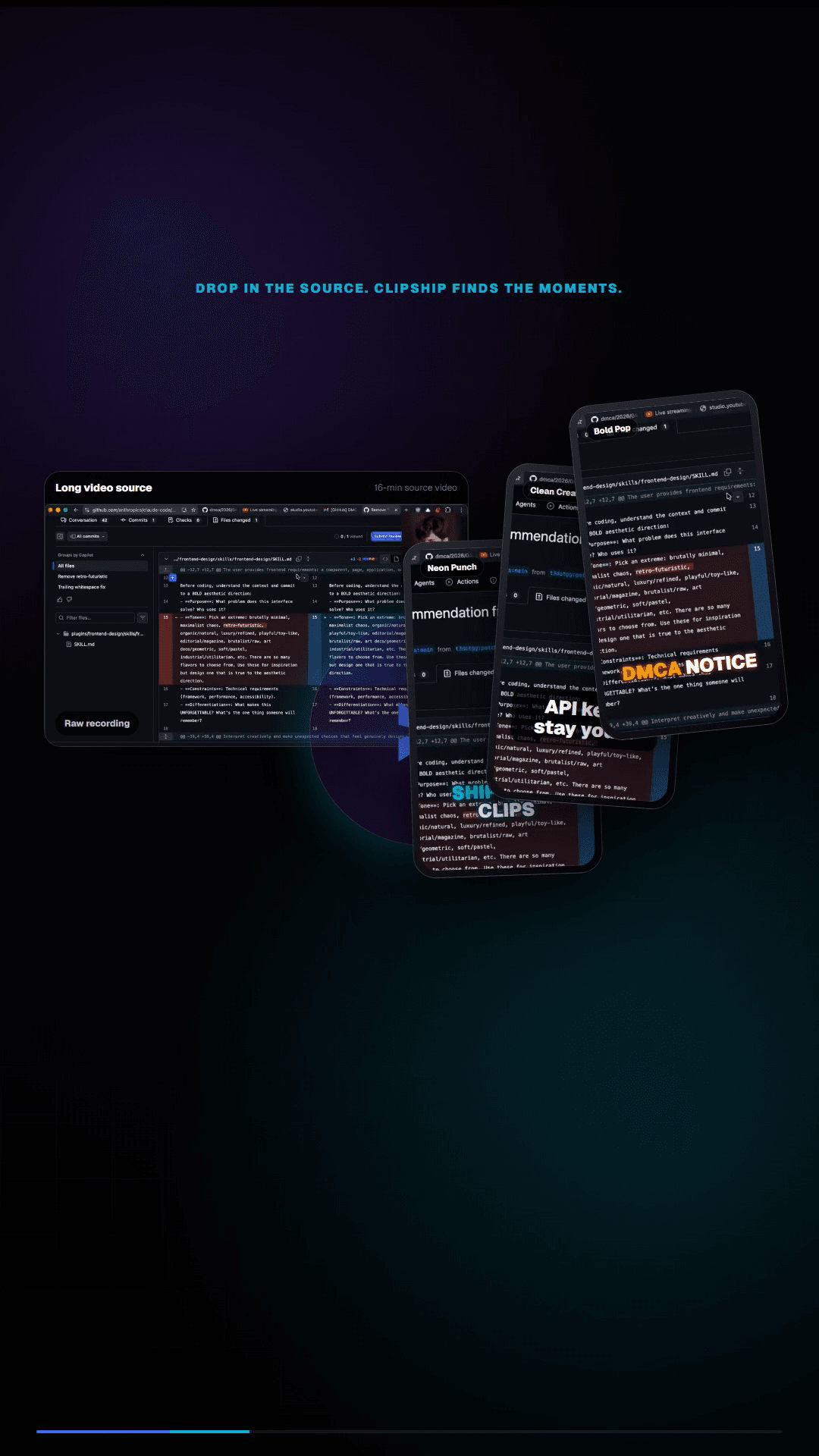
A local AI video clipper analyzes your video on your own computer. It transcribes the audio, finds moments that can work as standalone clips, reframes the video for vertical platforms, adds captions, and exports finished clips without sending your raw recording to a cloud service.
| Step | What ClipShip does | Why it matters |
|---|---|---|
| Import | Open a local recording or paste a supported YouTube, Twitch, or Kick link. | Start from the same long videos you already record. |
| Transcribe | Create a timed transcript for clip selection and captions. | The app can reason over what was said instead of only looking at cuts. |
| Find clips | Use AI to identify complete short-form-ready moments. | You review candidates instead of manually scrubbing the whole video. |
| Format | Reframe to 9:16 vertical video with face tracking and captions. | The export is built for Shorts, Reels, TikTok, and LinkedIn. |
| Export | Save finished clips on disk. | You keep the files and upload them wherever you want. |
Windows local AI clipper vs Mac-only tools
Many local AI clipping tools are built only for Apple Silicon Macs. ClipShip is focused on Windows creators instead. It is built for people using Windows 10 or Windows 11, with GPU acceleration when available and CPU mode when needed.
That matters if your editing setup, recording workflow, or gaming and podcast hardware already lives on a Windows PC or Apple Silicon Mac. The goal is not to make you move your footage into another cloud dashboard. The goal is to process the videos where they already are.
Local AI vs cloud AI clip generators
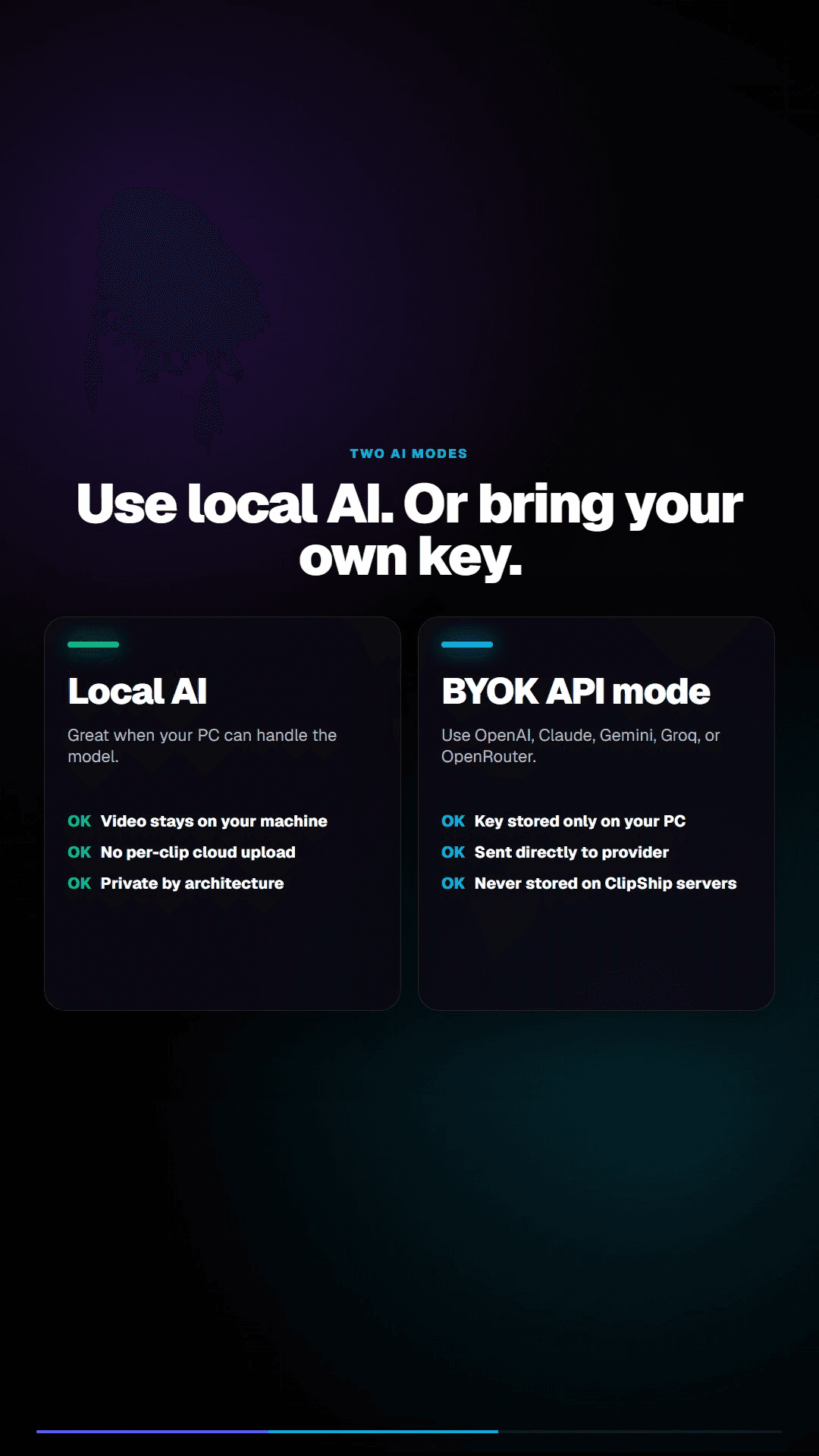
Cloud clip tools are convenient because they run in the browser and do the processing on remote servers. The tradeoff is that every recording has to be uploaded first. Local tools keep the work on your device, which is slower on weak hardware but better for privacy and repeat usage.
| Question | Local tool like ClipShip | Cloud tool like OpusClip |
|---|---|---|
| Where does processing happen? | On your Windows PC or Apple Silicon Mac for local files. | On the vendor's servers. |
| Do source files upload? | No source upload for local files. | Yes, upload is required. |
| What is the pricing model? | Free tier plus monthly or one-time Pro. | Usually subscription and credit based. |
| Who is it best for? | Privacy-sensitive creators and batch workflows. | People who prefer a polished cloud dashboard. |
When ClipShip is the right fit
- You make talking-head videos, podcasts, lessons, webinars, interviews, or coaching content.
- You want a no-upload workflow for private or client recordings.
- You do not want usage credits or per-video limits.
- You want captions, vertical formatting, and clip suggestions without manually editing every section.
When a cloud clip generator may be better
ClipShip is not the best choice if you need browser-based team collaboration, built-in social scheduling, Intel Mac support, or Linux. It is a desktop app for Windows and Apple Silicon Mac, so your own computer needs enough memory and processing time for the source video.
What local processing does not mean
Local processing does not mean the whole product never touches the internet. ClipShip still uses internet access for sign-in, license checks, first-time setup downloads, device switching, YouTube link import, online posting features, and optional cloud AI providers. The important difference is that local source files do not need to be uploaded for clip generation.
Related ClipShip guides
Keep exploring the local clip workflow
How ClipShip works
A visual guide to importing, clip selection, headlines, spoken openings, post captions, review, and export.
ClipShip for macOS
Download the public Apple Silicon build and review its requirements, local AI architecture, installation, and privacy boundary.
Best local OpusClip alternatives in 2026
A source-checked comparison of five desktop AI clipping tools by platform, privacy boundary, pricing, and workflow.
No-upload OpusClip alternative
The main comparison page for creators who want OpusClip-style clipping without uploading private footage.
OpusClip alternative with a free no-watermark trial
An honest breakdown of ClipShip's 7-day Pro trial, forever-free tier, watermark, and export limits.
Podcast to Shorts AI for Windows
A practical workflow for turning long podcasts, interviews, and webinars into vertical clips with local AI.
YouTube to Shorts clip maker
A practical page for turning YouTube and talking-head videos into vertical clips.
Twitch VOD to Shorts clip maker
Import a Twitch VOD or clip, find spoken highlights locally, and export vertical clips on Windows.
Affordable OpusClip alternative for beginners
A pricing-focused guide to ClipShip's free tier, $5 founding plan, and $99 lifetime option.
ClipShip vs OpusClip
The full side-by-side comparison between ClipShip and the best-known cloud clip generator.
FAQ
What is a local AI video clipper?
A local AI video clipper is software that finds short clips from a long video on your own computer. It is different from cloud clippers because the source video does not have to be uploaded before the AI can analyze it.
Does ClipShip run fully offline?
The video processing itself runs locally. ClipShip still needs internet for first-time setup downloads, signing in, daily license checks, device switching, online posting, and optional cloud AI providers.
Does ClipShip support macOS?
Yes. ClipShip supports Apple Silicon Macs running macOS 15 or newer. Intel Macs are not supported. See the Mac download and requirements page.
Is ClipShip a full video editor?
No. ClipShip is a video repurposing tool for turning long talking-head recordings into short-form clips. It is not meant to replace a full timeline editor like Premiere Pro, DaVinci Resolve, or CapCut.