Direct answer
ClipShip offers three ways to start without paying for cloud credits.
Every new account gets a 7-day Pro trial. After that, you can keep using the free tier, join the $5 per month founding plan while its first 50 subscriber slots remain, or buy Pro once for $99.
Both paid plans unlock the same Pro features. The difference is how you pay, not a second feature ladder.
ClipShip pricing in plain English
| Plan | Price | What it is for |
|---|---|---|
| 7-day Pro trial | $0, no card | Test the full export and caption workflow before choosing a plan. |
| Free tier | $0 | Keep processing locally with 720p watermarked exports. |
| Founding monthly Pro | $5 per month | Lower upfront cost. The first 50 subscribers keep the rate while their subscription stays active. |
| Lifetime Pro | $99 once | Pay once for the same Pro feature set on one device. |
Why local processing changes the price model
Cloud clip generators pay for storage, uploads, transcription, AI analysis, and rendering every time a user processes another video. That is why many cloud plans are based on monthly minutes or credits.
ClipShip runs that work on your Windows PC or Apple Silicon Mac. Local processing is not metered by video minutes, so the paid plans can unlock features without adding a new credit bill every month. The trade-off is that your own computer does the work and needs enough time and hardware for the source video.
What beginners still need to know
- ClipShip is a desktop app for Windows 10 and 11, not a web app.
- It is built for spoken videos such as commentary, interviews, podcasts, debates, lessons, and coaching content.
- It suggests clips, but you should still review each result before posting.
- It is not a full editor for gameplay montages, music videos, cinematic vlogs, or complex timeline work.
- A stronger GPU speeds up local processing, while CPU mode is available for compatible workflows.
What Pro unlocks
- No ClipShip watermark
- 1080p exports
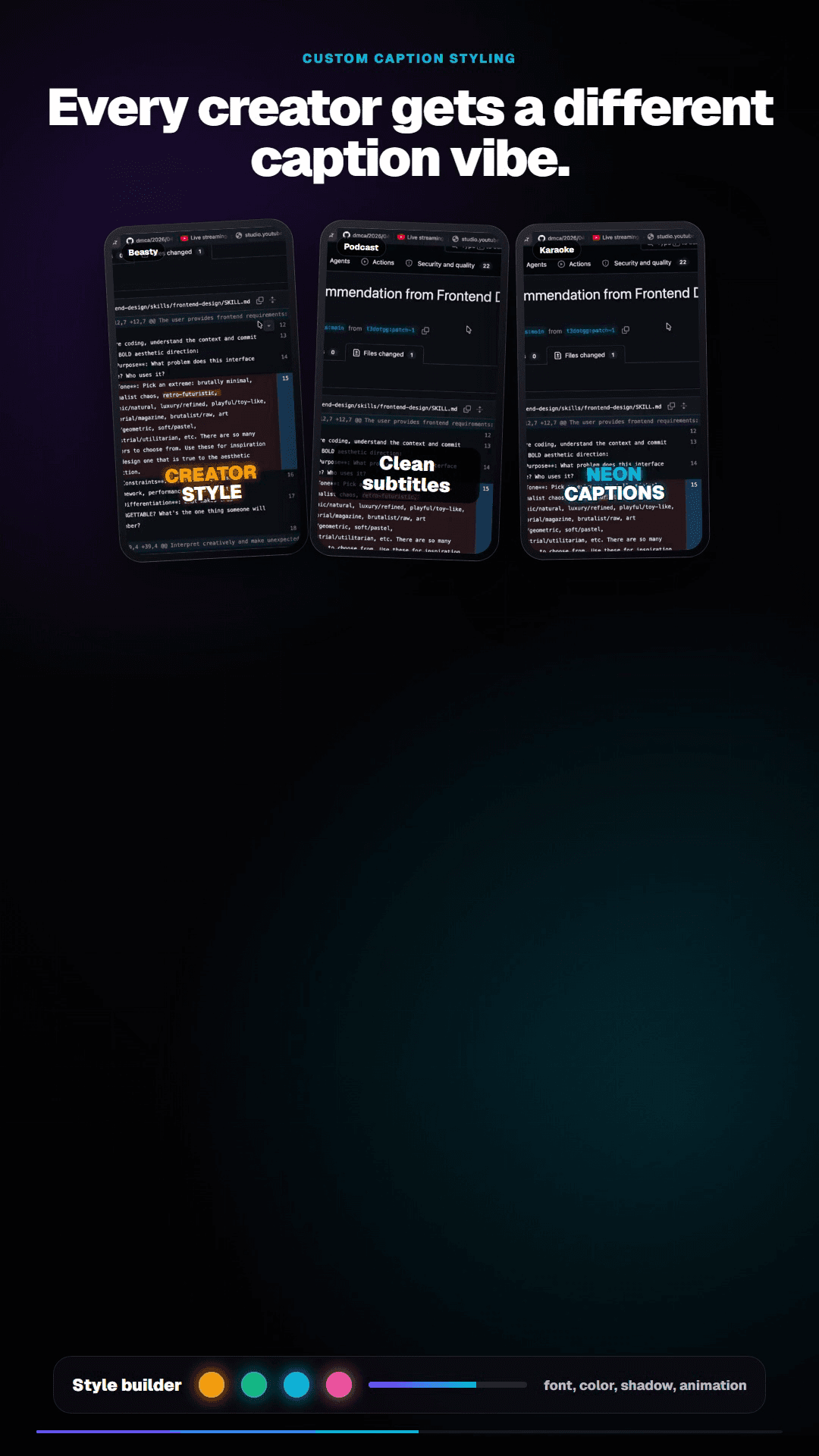
- Custom caption styles that can be saved and reused
- The same local processing workflow without per-video credits
You can also choose how many candidate clips to request from a long video and edit AI-generated headlines before export. Those workflow controls are available in the Windows and Apple Silicon Mac apps.
When OpusClip may still be the better choice
Choose a cloud tool if you need to work from any browser, do not have a suitable Windows PC or Apple Silicon Mac, want a mature social scheduling system, or prefer cloud rendering over local processing. ClipShip is the better fit when privacy, no-upload local files, predictable cost, and desktop processing matter more.
Related ClipShip guides
Keep exploring the local clip workflow
How ClipShip works
A visual guide to importing, clip selection, headlines, spoken openings, post captions, review, and export.
ClipShip for macOS
Download the public Apple Silicon build and review its requirements, local AI architecture, installation, and privacy boundary.
Best local OpusClip alternatives in 2026
A source-checked comparison of five desktop AI clipping tools by platform, privacy boundary, pricing, and workflow.
No-upload OpusClip alternative
The main comparison page for creators who want OpusClip-style clipping without uploading private footage.
Local AI video clipper for Windows
A focused explanation of ClipShip's local Windows workflow and when local AI clipping is the right fit.
OpusClip alternative with a free no-watermark trial
An honest breakdown of ClipShip's 7-day Pro trial, forever-free tier, watermark, and export limits.
Podcast to Shorts AI for Windows
A practical workflow for turning long podcasts, interviews, and webinars into vertical clips with local AI.
YouTube to Shorts clip maker
A practical page for turning YouTube and talking-head videos into vertical clips.
Twitch VOD to Shorts clip maker
Import a Twitch VOD or clip, find spoken highlights locally, and export vertical clips on Windows.
ClipShip vs OpusClip
The full side-by-side comparison between ClipShip and the best-known cloud clip generator.
FAQ
Will the $5 founding rate increase after I subscribe?
The first 50 paid subscribers keep the $5 rate while that subscription remains active. A cancelled subscription does not reserve the founding rate for a later return.
Do monthly and lifetime customers get different features?
No. Both plans unlock the same ClipShip Pro features on one device.
Can I use ClipShip without paying?
Yes. After the 7-day Pro trial, the free tier remains available with 720p watermarked exports.