Direct answer
ClipShip clips podcast videos without uploading the local source file.
ClipShip is a Windows podcast clipper for long spoken recordings. Drop in a podcast episode, interview, webinar, or coaching video, let the app find short-form moments, then review and export vertical clips for Shorts, Reels, TikTok, or LinkedIn.
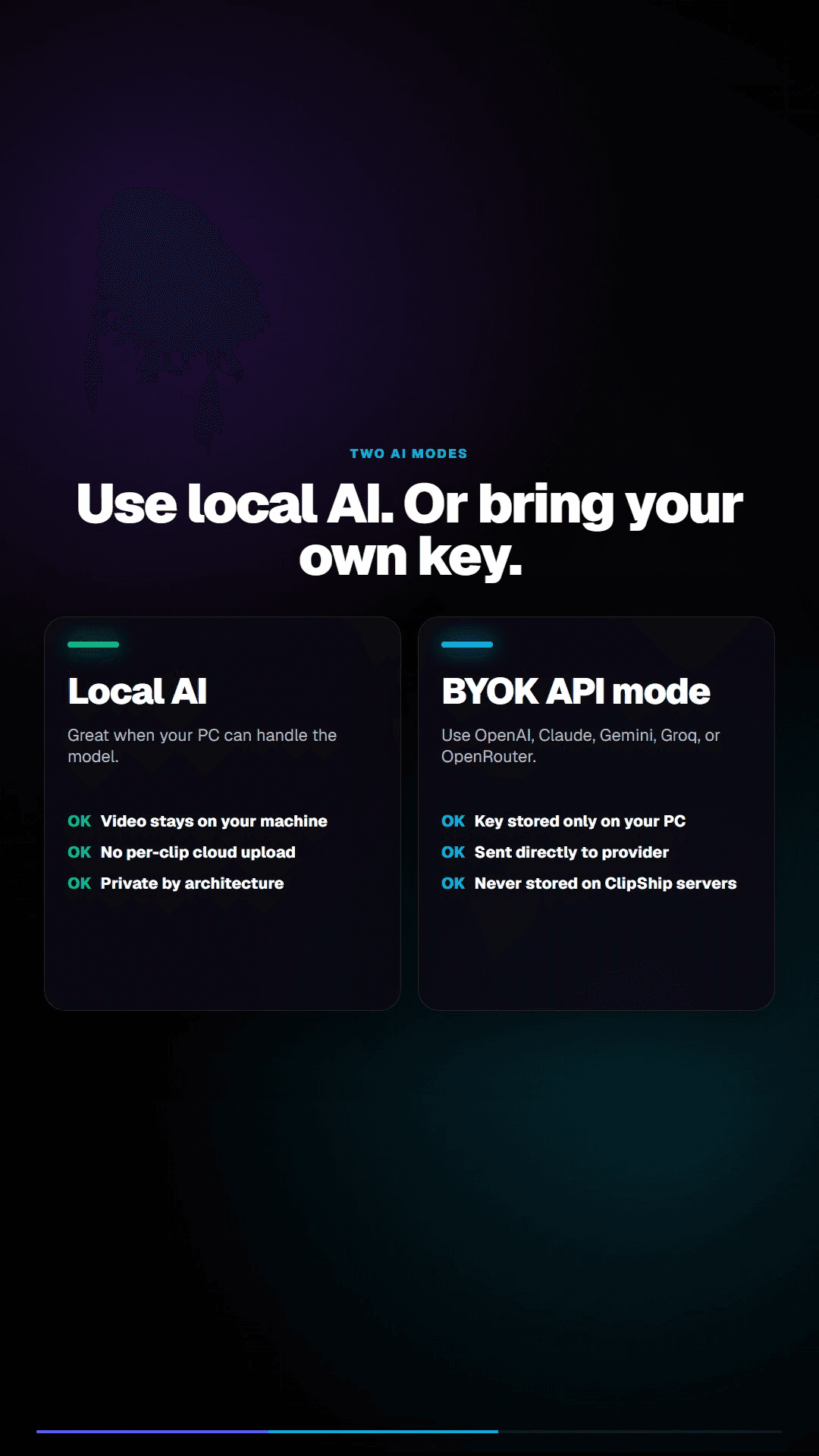
For local files, the full recording stays on your computer. That is the important difference from cloud tools that make you upload the entire episode before they can find clips.
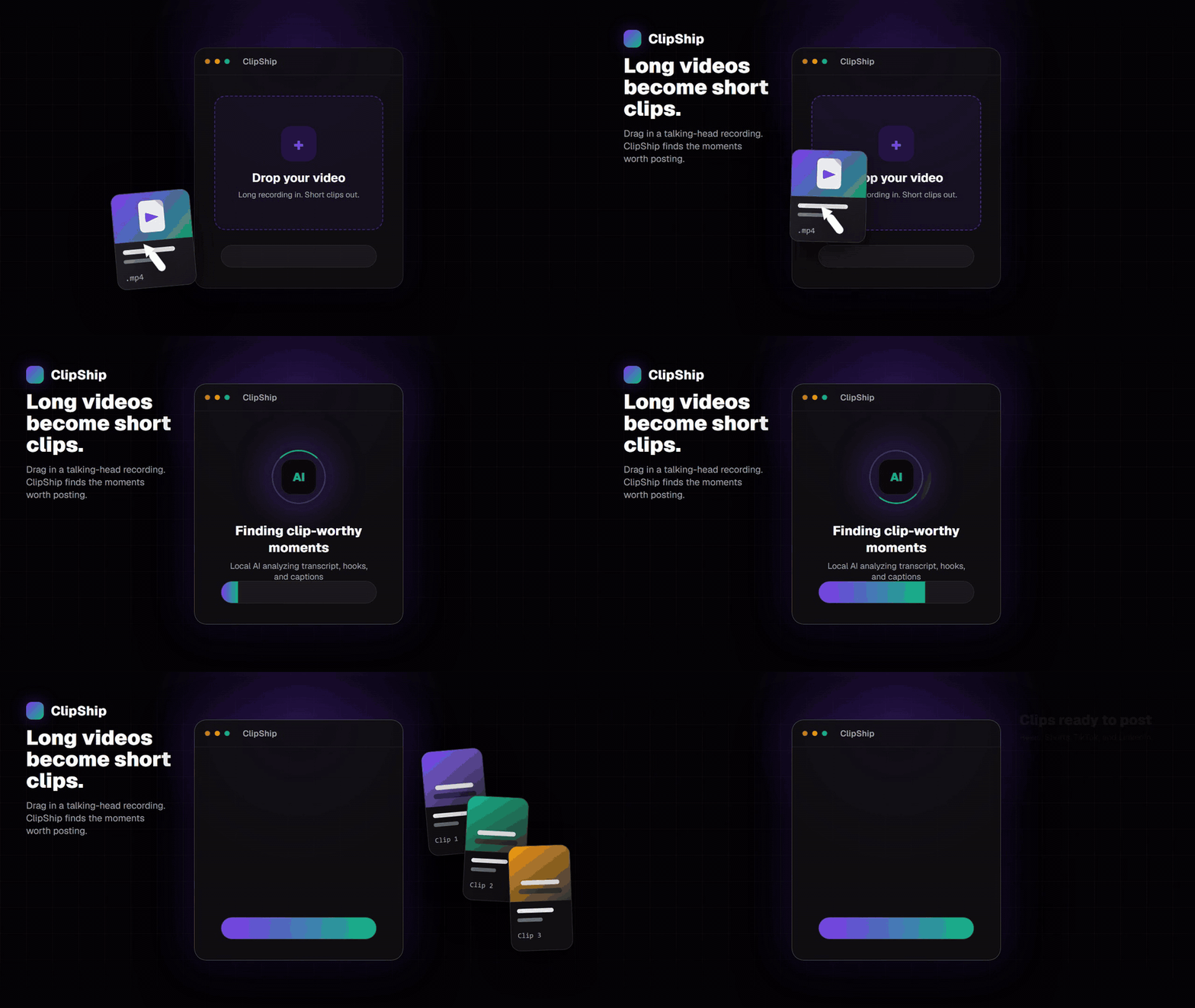
Why podcast uploads are painful
Podcast recordings are often large. A long video episode can be several gigabytes, especially if it was recorded in high quality. Uploading that file to a cloud clipper takes time, depends on your connection, and creates a privacy question for unreleased conversations.
This is worse for weekly creators. If every episode starts with an upload queue, clipping becomes one more chore between recording and publishing.
How ClipShip handles podcast clipping
| Step | What happens in ClipShip | Why it helps podcasters |
|---|---|---|
| Import | Drop in a local podcast file or paste a YouTube link. | Start from the recording you already have. |
| Transcribe | ClipShip creates a timed transcript for the episode. | The app can reason over what was said. |
| Find clips | AI suggests standalone answers, stories, opinions, and teaching moments. | You stop manually scrubbing the whole recording. |
| Format | Clips are reframed vertically with captions. | Exports are ready for short-form platforms. |
| Review | You choose what is worth posting. | The AI speeds up selection without taking away final judgment. |
Best podcast clips to look for
- A guest gives a direct answer to a common audience question.
- A host challenges an assumption and the guest gives a strong reply.
- A story has a clear setup, turn, and payoff.
- A technical explanation can stand alone in under 90 seconds.
- A coaching or consulting moment shows a problem and a useful answer.
Podcast clipper vs general video editor
A general video editor gives you a timeline. That is useful when you already know what you want to cut. A podcast clipper helps earlier in the workflow: it scans the long recording and gives you candidate moments to review.
ClipShip is not a full editor. It is for the specific job of turning spoken long-form recordings into short clips faster.
When ClipShip is not the right podcast tool
ClipShip is not ideal if you need remote team collaboration, a browser-only workflow, automatic social scheduling, audio mastering, or a full multitrack podcast editor. It is focused on clip discovery, vertical reframing, captions, and export.
Related ClipShip guides
Keep exploring the local clip workflow
No-upload OpusClip alternative
The main comparison page for creators who want OpusClip-style clipping without uploading private footage.
Local AI video clipper for Windows
A focused explanation of ClipShip's local Windows workflow and when local AI clipping is the right fit.
AI video clipper without credits
Why local processing avoids monthly credit anxiety and per-minute cloud billing.
YouTube to Shorts clip maker
A practical page for turning YouTube and talking-head videos into vertical clips.
ClipShip vs OpusClip
The full side-by-side comparison between ClipShip and the best-known cloud clip generator.
FAQ
Can ClipShip turn a podcast into Shorts?
Yes. ClipShip can turn podcast-style videos into vertical clips for YouTube Shorts, Instagram Reels, TikTok, and LinkedIn.
Does ClipShip work with audio-only podcasts?
ClipShip is primarily built for video podcasts and talking-head recordings. Audio-only workflows are not the main focus right now because the product exports video clips.
Does ClipShip upload my podcast file?
No. For local files, ClipShip processes the podcast recording on your Windows PC. YouTube link import naturally uses the internet to fetch the source video first.