Direct answer
ClipShip does not meter local clipping with monthly credits.
ClipShip is a Windows AI video clipper that runs the heavy video work locally. Pro users can process long talking-head recordings without spending a monthly pool of clip credits, generation credits, or source-video minutes.
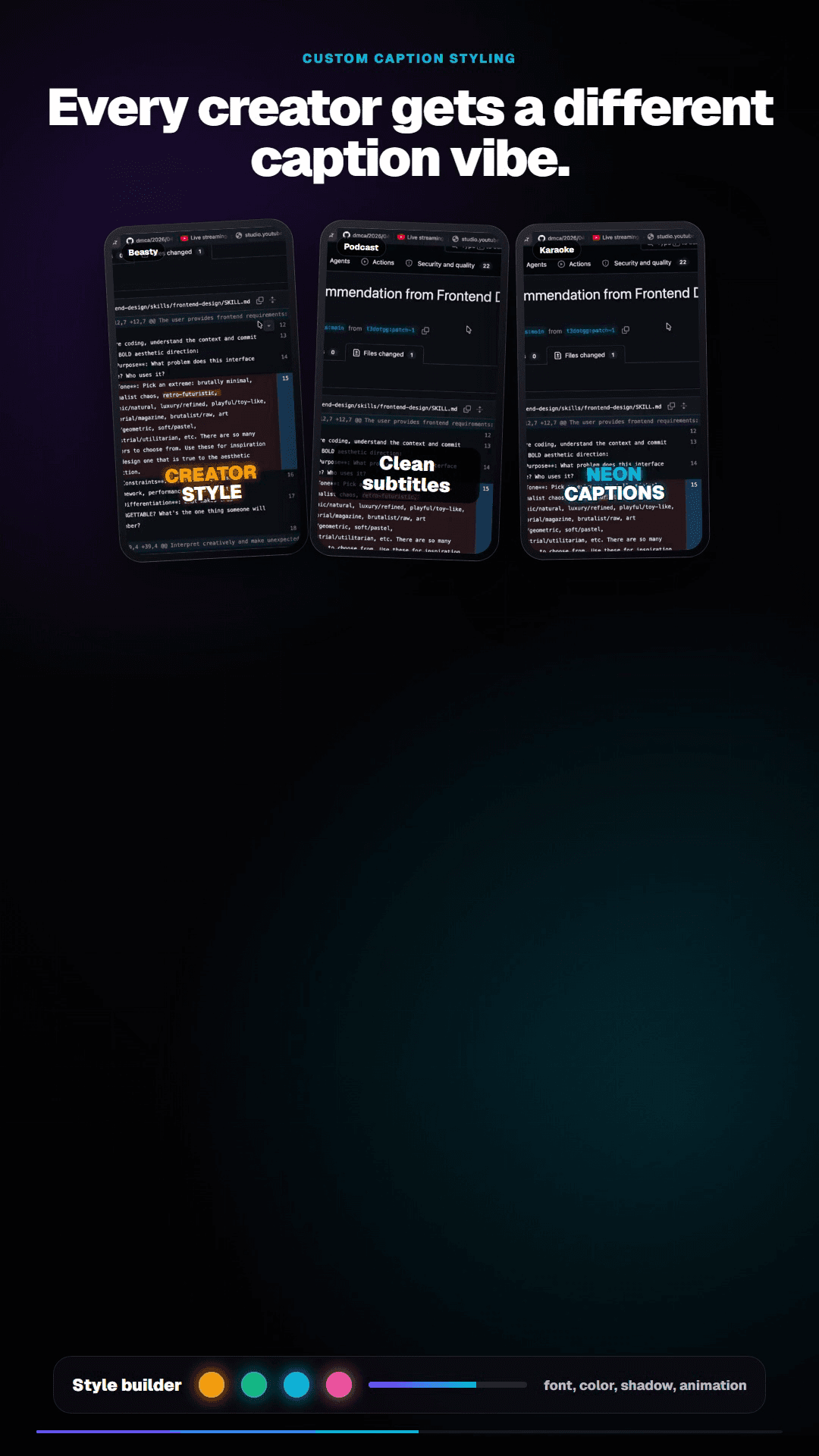
The free tier still has export limitations. Pro is the no-credit workflow: one-time pricing, no watermark, 1080p exports, and saved custom caption styles.
Why AI video clippers use credits
Many cloud AI video clippers use credits because every video has to be uploaded, stored, transcribed, analyzed, rendered, and served from remote infrastructure. A 90-minute podcast costs more to process than a 5-minute clip, so cloud tools often meter by minutes, credits, or plan limits.
That model makes sense for cloud infrastructure, but it creates credit anxiety for creators. Every upload becomes a calculation: is this recording worth spending credits on, or should you save them for something else?
How ClipShip avoids monthly clip credits
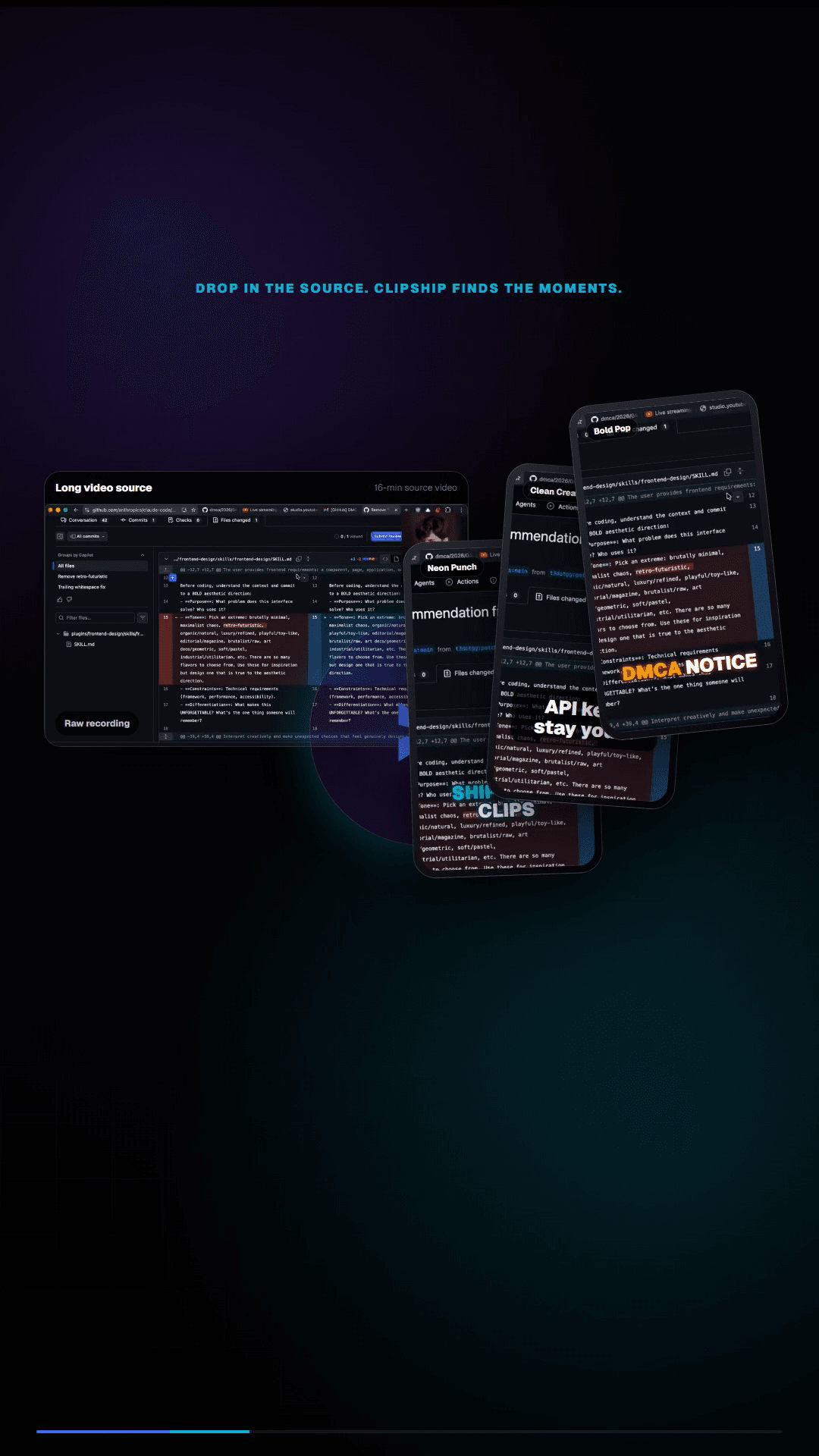
ClipShip moves the expensive work to your Windows PC. For local files, the app reads the recording, transcribes speech, finds candidate clips, reframes the video, renders captions, and saves exports on your disk.
| Workflow cost | Cloud AI clipper | ClipShip local workflow |
|---|---|---|
| Source video upload | Usually required. | Not required for local files. |
| Processing cost | Paid by the vendor, then passed to users as credits or limits. | Handled by your PC. |
| Usage model | Often monthly credits, minutes, caps, or overages. | No monthly clip credits for local Pro processing. |
| Best fit | Creators who want browser convenience. | Creators processing many private or repeated recordings. |
What credit-free local clipping does and does not mean
It does mean ClipShip Pro is not charging you a new credit every time you process another local recording. It does not mean the whole product is unlimited free software. ClipShip has a free tier with 720p watermarked exports, plus a paid Pro license for watermark-free 1080p exports and custom caption styles.
It also does not mean every online action is free of outside limits. YouTube imports, social posting, and optional cloud AI providers still depend on the relevant platform or provider.
Who this is for
- Podcasters who process long episodes every week.
- Coaches and consultants clipping private calls or webinars.
- Course creators repurposing lessons into short educational clips.
- YouTubers who want to test multiple clip ideas without spending cloud credits.
- Creators who prefer a one-time software price over another monthly AI subscription.
Related ClipShip guides
Keep exploring the local clip workflow
No-upload OpusClip alternative
The main comparison page for creators who want OpusClip-style clipping without uploading private footage.
Local AI video clipper for Windows
A focused explanation of ClipShip's local Windows workflow and when local AI clipping is the right fit.
No-upload podcast clipper for Windows
A practical workflow for turning long podcasts, interviews, and webinars into clips without upload queues.
YouTube to Shorts clip maker
A practical page for turning YouTube and talking-head videos into vertical clips.
ClipShip vs OpusClip
The full side-by-side comparison between ClipShip and the best-known cloud clip generator.
FAQ
Does ClipShip have a monthly usage cap?
ClipShip Pro does not meter local clipping with monthly clip credits. Your practical limit is your computer, storage, and patience, not a cloud credit counter.
Is ClipShip free?
ClipShip has a free tier with unlimited local processing and 720p watermarked exports. Pro is a paid one-time license that removes the watermark, enables 1080p exports, and unlocks saved custom caption styles.
Is this the same as an offline AI video clipper?
The video processing runs locally, but ClipShip still needs internet for first-time setup downloads, sign-in, license checks, device switching, YouTube import, online posting, and optional cloud AI providers.